Wireframe 1
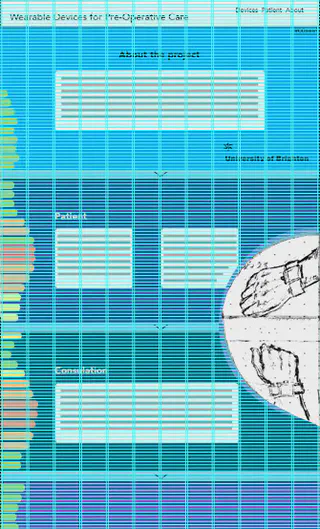
This post shows the second iteration of the initial wireframe. This version is slightly higher fidelity and is still based on the idea that users would make use of the smooth scroll “next” buttons to transition from section to section. Navigating the information in chronological order.
\[caption id="attachment\_179" align="alignnone" width="515"\]

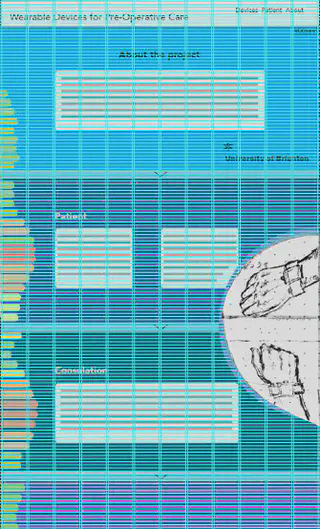
Screenshot showing the 12 grid layout
\[caption id="attachment\_182" align="alignnone" width="335"\]
References
Schoeffel, S. (2011, November 9). Establishing your grid in Photoshop – smashing magazine. Retrieved November 27, 2016, from Graphics, https://www.smashingmagazine.com/2011/11/establishing-your-grid-in-photoshop/
